Academic CV Template — Free Researcher Resume Builder
Build a clean academic CV with sections for publications, research, teaching and grants. Free online template for researchers, lecturers and PhD students.
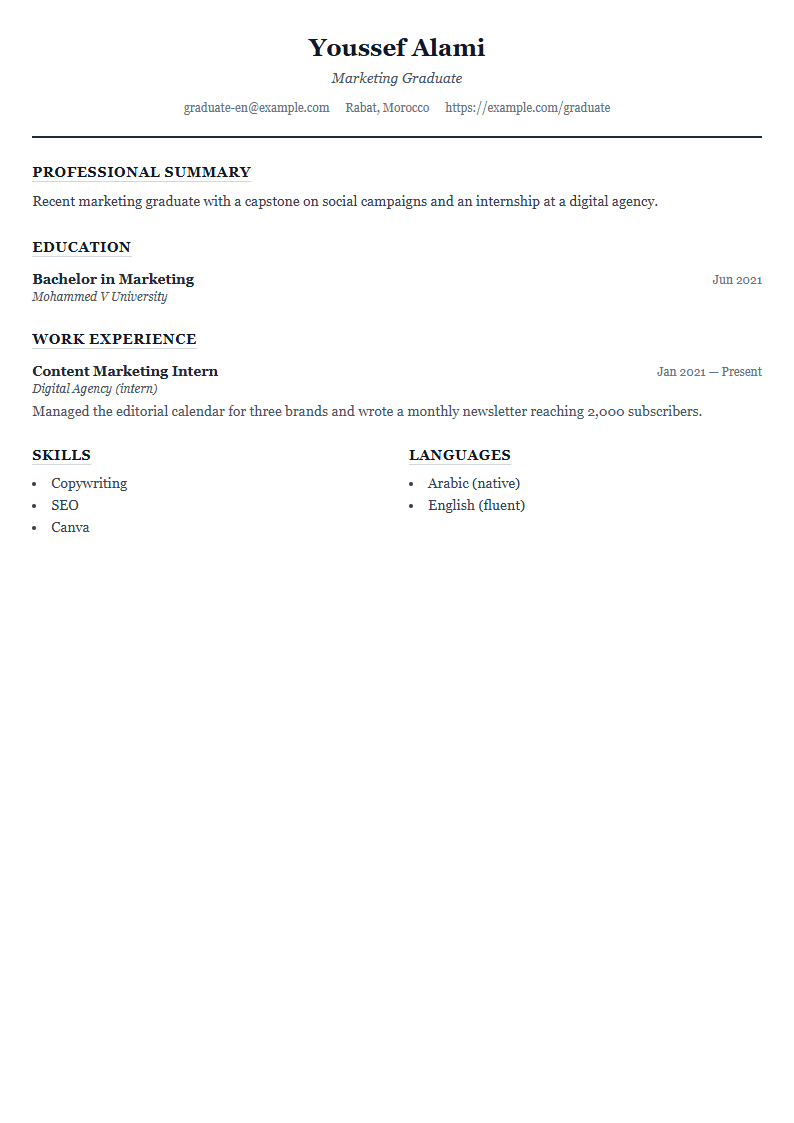
What Is the Academic CV Template?
The Academic template on CV Brander is a clean, structured resume layout designed specifically for scholars, researchers, lecturers, and PhD candidates. Unlike corporate resumes that compress everything into one or two pages, this template gives you room for the sections that academic hiring committees actually read: education, publications, research experience, teaching history, grants, and conference presentations. Every heading is spaced and aligned so long lists of citations stay readable instead of turning into a wall of text.
You can start directly from the Academic template page and edit each block in the browser without installing anything.
Who Should Use This Template
- PhD students preparing a CV for postdoctoral applications.
- University lecturers applying for tenure-track or adjunct positions.
- Postdoctoral researchers submitting to fellowships and grant panels.
- Scientists moving from industry back into academia.
- Graduate students applying for scholarships, assistantships, or lab placements.
If your strongest asset is a publication record or a research agenda rather than a list of corporate achievements, this layout keeps the focus where it belongs.
How to Build Your Academic CV Step by Step
- Open the CV editor and select the Academic template.
- Fill in your contact block: full name, institutional email, ORCID, and personal website.
- Write a short research summary of three to five lines describing your field, methods, and current project.
- List education in reverse chronological order, including thesis title and supervisor.
- Add publications using a consistent citation style, with your name in bold.
- Document teaching experience, including course names, level, and your role.
- Add grants, awards, conference talks, and professional memberships.
- Export the finished file as PDF and keep a plain-text version for online submission portals.
Sections That Academic Committees Expect
Recruiters in academia scan for specific headings. Missing one can cost you an interview even if your record is strong.
- Education — degrees, institutions, dates, dissertation title.
- Research experience — labs, projects, methods, funding source.
- Publications — peer-reviewed articles, book chapters, preprints.
- Teaching — courses taught, guest lectures, supervision of students.
- Grants and awards — amount, funder, year, your role.
- Conferences — invited talks, poster sessions, panel roles.
- Service — peer review, editorial boards, committee work.
- Skills and languages — software, lab techniques, language proficiency.
Formatting Tips That Make a Difference
Academic CVs are read by humans first and software second. Keep the font between 10 and 12 points, use one-inch margins, and avoid decorative graphics that break when a committee prints your file. Number your publications so reviewers can reference them easily. Use the same date format throughout — either month-year or year only, never both. If you apply internationally, run the document through the ATS Resume Scanner to confirm that automated systems at universities and funding bodies can parse your headings.
Adapting the Template for Different Applications
A tenure-track application, a postdoc fellowship, and an industry research role each need a different emphasis. For a fellowship, move grants and publications above teaching. For a teaching-focused college, expand the teaching section and add student evaluations. For a research position in industry, use the English CV page guidance and shift your publications below your technical skills. Save separate versions so you never send the wrong emphasis to the wrong committee.
Like this template?
Use this template now — Free100% Free
No registration or watermark
Multi-Format Export
PDF, Word, PNG, JPG
ATS Compatible
Templates specifically designed to pass ATS systems and increase your chances.