Airbnb CV Template – Free Modern Resume Builder
Build a modern Airbnb-style CV free online. Travel-inspired layout, easy editing and recruiter-friendly structure for hospitality and service roles.
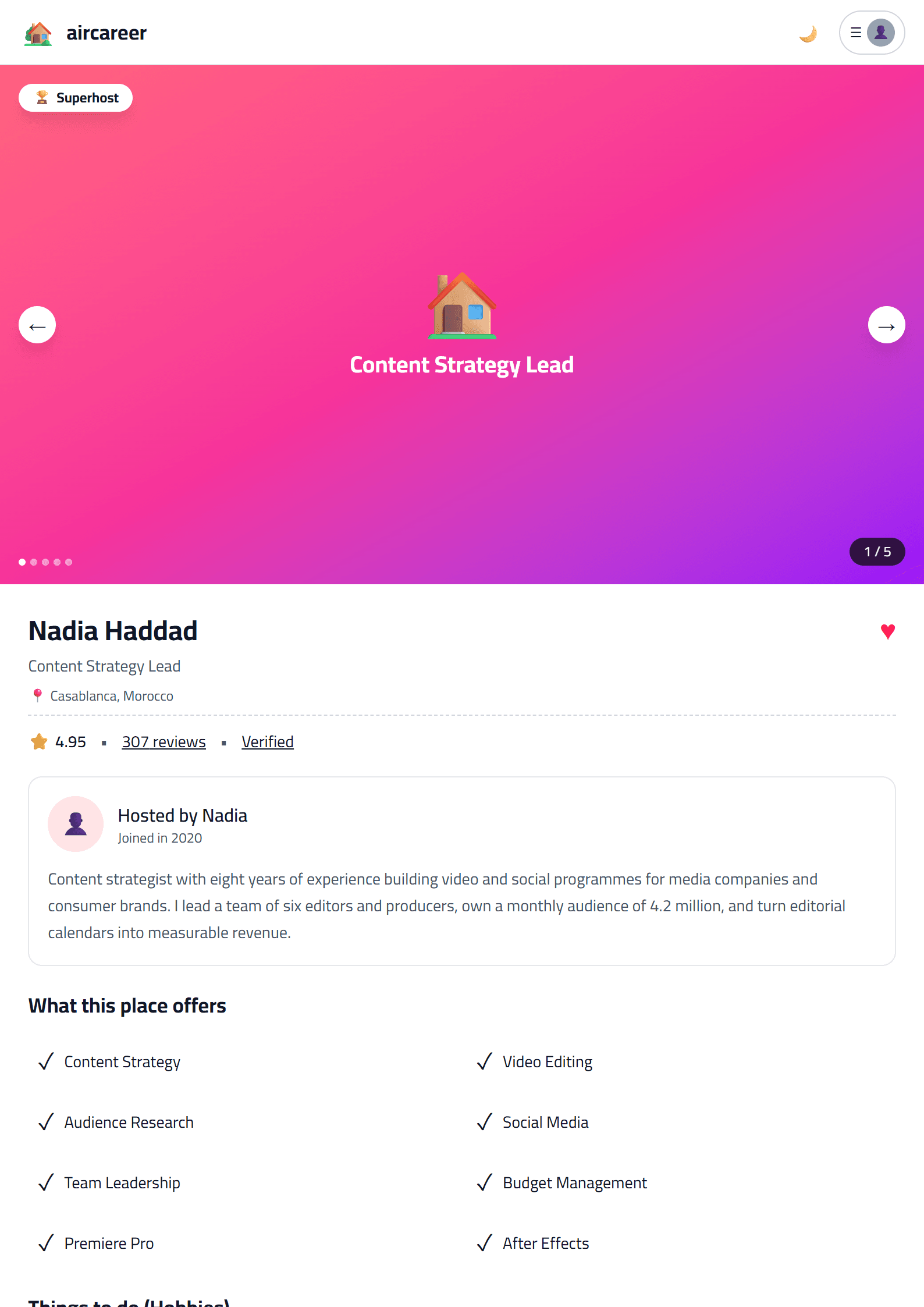
What Is the Airbnb CV Template?
The Airbnb CV template is a modern, travel-inspired resume design built around the clean, friendly aesthetic of the Airbnb brand. It pairs generous white space with soft accent colors and a clear typographic hierarchy, so recruiters can scan your experience in seconds. Unlike a plain document, this template gives your application a personality that fits hospitality, tourism, customer experience and remote-work roles — while still keeping every section readable and professional.
Because it is generated inside the CV editor, the layout stays perfectly aligned whether you write three lines or thirty. You simply type your details, and the template handles spacing, headings and structure for you.
Who Should Use This Template?
This design works best for people whose careers involve people, places or service. Consider it if you are:
- A hospitality or tourism professional applying to hotels, hostels or travel agencies.
- A customer support or guest-experience specialist.
- A property manager, co-host or short-term rental operator.
- A remote worker or digital nomad applying to international companies.
- A student or career changer who wants a warm, approachable first impression.
If you are targeting a formal banking or legal role, a more conservative option such as the Executive template may serve you better. For most service and travel roles, however, the Airbnb style is a strong fit.
How to Build Your Airbnb CV Step by Step
- Open the template. Go to the Airbnb template page and start editing directly in your browser — no download or sign-up required.
- Write a sharp summary. In two or three lines, state your role, years of experience and the value you bring. Mention languages, guest satisfaction scores or booking volumes if relevant.
- List experience with numbers. Instead of “handled guests”, write “welcomed 40+ guests per week and maintained a 4.9/5 satisfaction rating”.
- Add a skills block. Group technical and soft skills separately: booking systems, CRM tools, conflict resolution, multilingual communication.
- Check the layout. Keep the CV to one page if you have under ten years of experience; two pages maximum otherwise.
- Export and apply. Download the finished file and send it with a tailored cover letter.
Practical Tips for a Stronger Application
Design alone will not get you hired — content does. Keep these habits:
- Mirror the exact job title from the posting in your headline.
- Use action verbs at the start of every bullet point.
- Quantify results wherever possible: percentages, guest counts, revenue, response times.
- Keep the accent colors subtle; readability always beats decoration.
- Save a plain version too, in case a portal strips formatting.
Before sending, run your draft through the CV Score Checker to catch weak phrasing, missing keywords and formatting problems. If you are applying to large companies that use screening software, also review the ATS Friendly template and compare which version performs better.
Frequently Overlooked Details
Small choices decide whether a recruiter keeps reading. Use a professional email address, add a LinkedIn link, and make sure your phone number includes the country code if you are applying abroad. If you speak several languages, list them with a clear level. For international applications, keep dates in a consistent format and avoid abbreviations that only locals understand.
Finally, tailor the file name: “Sara-Ahmed-Guest-Experience-Manager.pdf” tells the recruiter exactly what they are opening, while “cv-final-2.pdf” tells them nothing.
Like this template?
Use this template now — Free100% Free
No registration or watermark
Multi-Format Export
PDF, Word, PNG, JPG
ATS Compatible
Templates specifically designed to pass ATS systems and increase your chances.