ATS Tech Pro CV Template for Developers | CV Brander
Build a free ATS-friendly tech CV with skills grouped by technology: languages, frameworks, cloud and tools. Editable template, no sign-up required.
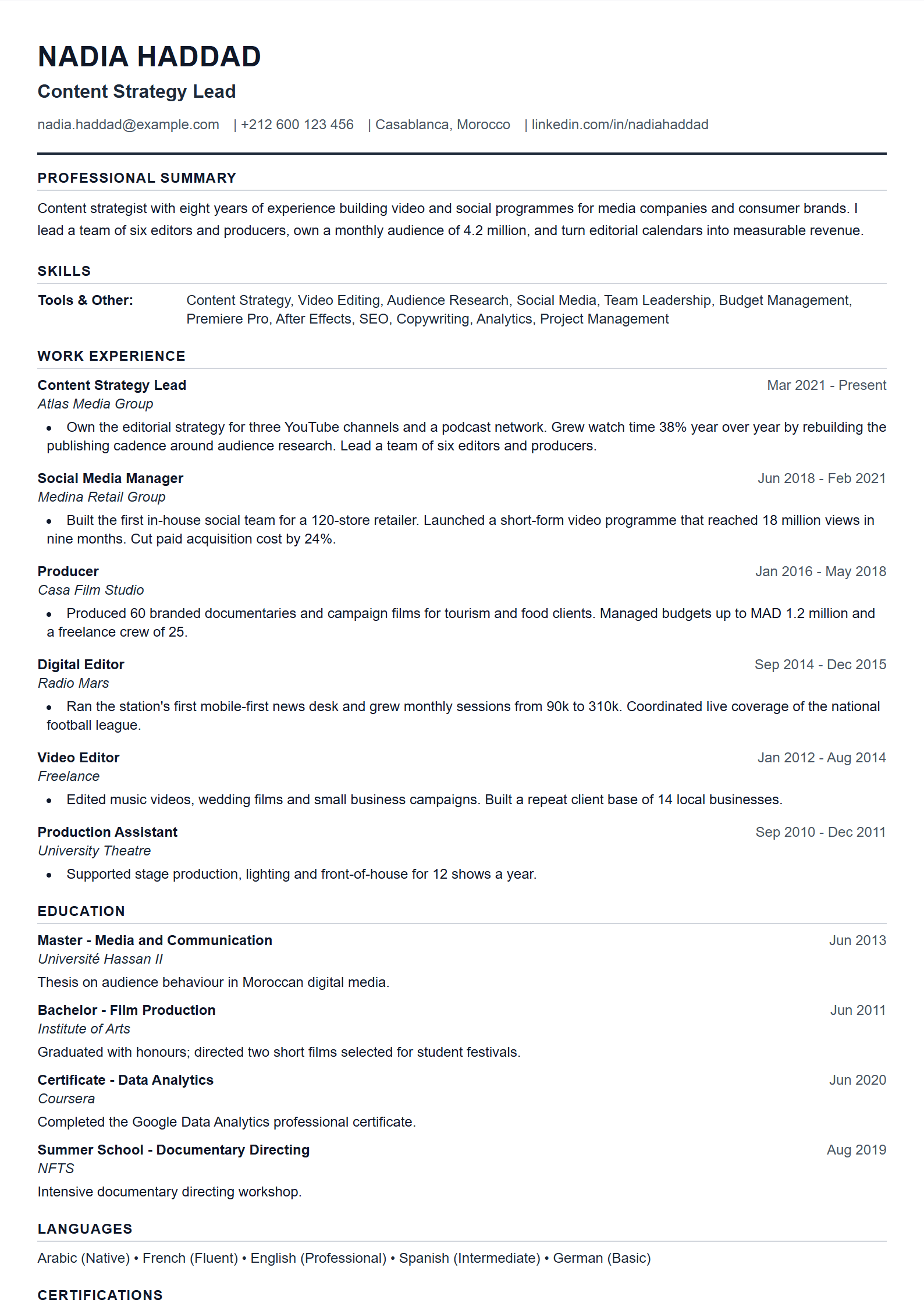
What Is the ATS Tech Pro Template?
ATS Tech Pro is a free, ATS-optimized CV template built specifically for software engineers, developers, data specialists and IT professionals. Instead of scattering your stack across a generic skills paragraph, this layout groups your experience by technology categories — languages, frameworks, cloud platforms, databases and tools — so both human recruiters and parsing software can see your technical depth in seconds. Like every layout on CV Brander, it is fully editable and requires no sign-up.
If you want a broader starting point, compare it with the general ATS Friendly template, which uses the same parser-safe structure without the technology grouping.
Who Should Use This Template
- Software engineers who list many languages and frameworks and need a clean way to organize them.
- Data analysts and data scientists juggling Python, SQL, BI tools and machine-learning libraries.
- DevOps and cloud engineers whose value lies in platforms such as AWS, Azure, Docker and Kubernetes.
- QA engineers and IT support specialists who want certifications and tooling to stand out.
- Career switchers moving into tech who need transferable skills mapped to technical categories.
If you are targeting a management or director-level role instead, the ATS Executive template emphasizes leadership scope over stack depth.
How to Fill It In Step by Step
- Open the CV editor and select ATS Tech Pro.
- Write a three-line summary that names your main stack and years of experience.
- Group your skills into labeled categories: Languages, Frameworks, Cloud & DevOps, Databases, Tools.
- Under each job, lead with an action verb and add a measurable result — latency reduced, uptime improved, users served.
- List projects with the tech stack in the first line, then the outcome.
- Add certifications with their issuing body and year.
- Run the document through the ATS Resume Scanner before you export.
- Download as PDF, keeping the filename professional.
Practical Tips for Tech Candidates
Mirror the exact wording of the job posting: if the ad says "Node.js" and "PostgreSQL", do not write "backend JavaScript" and "relational databases". Keep bullet points to one or two lines, and quantify wherever possible — "cut build time by 40%" beats "improved CI pipeline". Avoid tables, columns, icons and text boxes, because many parsers read them out of order. Spell out an acronym once, then use the short form. Finally, keep the document to one page for under five years of experience and two pages beyond that.
Common Mistakes to Avoid
The most frequent error is a flat skills list with no grouping, which forces recruiters to hunt for keywords. The second is stuffing every technology you have ever touched, including tools you used once in a tutorial. The third is hiding achievements inside long paragraphs rather than bullet points. Use the CV Score Checker to catch structural problems, and review the full template gallery if you want a different visual style with the same ATS-safe structure.
Like this template?
Use this template now — Free100% Free
No registration or watermark
Multi-Format Export
PDF, Word, PNG, JPG
ATS Compatible
Templates specifically designed to pass ATS systems and increase your chances.