GitHub CV Template – Developer Resume Design
Build a developer-friendly CV with the GitHub template: dark code-editor style, editable sections, and clean PDF export. Free, no sign-up needed.
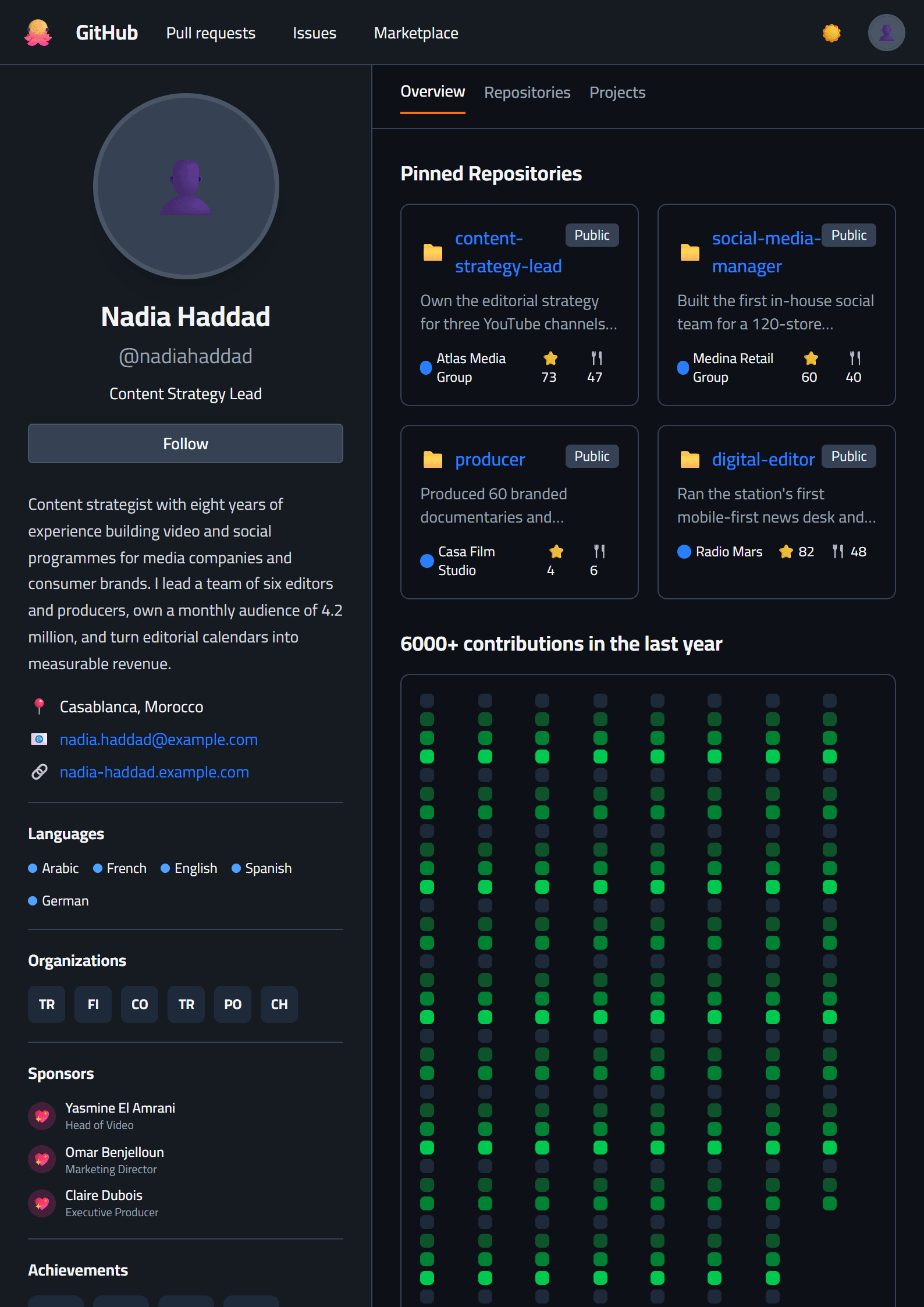
What Is the GitHub CV Template?
The GitHub CV template on CV Brander is a developer-friendly resume design built around a dark, code-editor aesthetic. It mirrors the familiar look of a GitHub profile — monospace typography, subtle grid lines, and high-contrast accent colors — so your resume feels instantly recognizable to engineers, technical recruiters, and open-source maintainers. Unlike generic designs, this template frames your experience the way developers actually present work: repositories, pull requests, commits, and stack.
It is a fully editable layout. Every section, color, and heading can be adjusted inside the CV editor, and you can export a clean PDF in minutes.
Who Should Use This Template?
This template is ideal for:
- Software engineers, web developers, and mobile developers
- DevOps, SRE, and cloud engineers
- Data scientists and machine learning practitioners
- Open-source contributors and technical freelancers
- Computer science students applying for internships
If your daily work happens in a terminal, a code editor, or a Git repository, this design communicates your identity before a recruiter reads a single bullet point. It also pairs well with a technical portfolio — consider generating one with the Portfolio Builder to link alongside your resume.
How to Build Your GitHub-Style Resume Step by Step
- Pick the template. Open the GitHub template in the editor and review the default structure.
- Write a technical summary. In two or three lines, state your specialty, years of experience, and core stack (for example, "Backend engineer with 5 years in Go, PostgreSQL, and Kubernetes").
- Turn projects into proof. Instead of vague duties, list repositories, systems, or features you shipped and the measurable outcome.
- Add a skills block. Group languages, frameworks, databases, and tools. Keep it scannable.
- Quantify impact. Use numbers: latency reduced, users served, tests automated, deployment time saved.
- Check ATS compatibility. Run your draft through the ATS Resume Scanner before applying.
Practical Tips for Developer Resumes
- Lead with impact, not with a list of technologies you merely touched.
- Link your GitHub profile, live demos, or published packages where relevant.
- Keep the dark aesthetic but ensure the PDF prints legibly in black and white.
- Use strong action verbs such as architected, refactored, automated, and optimized.
- Tailor keywords to each job posting — the Resume Keyword Optimizer can help.
- If you are applying to a formal enterprise role, compare this design with the Classic template or an ATS-friendly layout.
Why Recruiters Respond to This Style
Technical hiring managers scan for signal: the languages you use, the systems you have built, and the scale you have handled. A GitHub-inspired resume signals fluency with developer culture and makes your document feel native to the engineering world. Combined with clear metrics and a tidy structure, it turns a standard CV into a piece of evidence that you understand the environment you are applying to join.
Like this template?
Use this template now — Free100% Free
No registration or watermark
Multi-Format Export
PDF, Word, PNG, JPG
ATS Compatible
Templates specifically designed to pass ATS systems and increase your chances.