The Sims CV Template - Free Resume Builder
Build a creative Sims-themed CV for free. Perfect for gamers, streamers and creators. Edit online, add your skills and download your PDF in minutes.
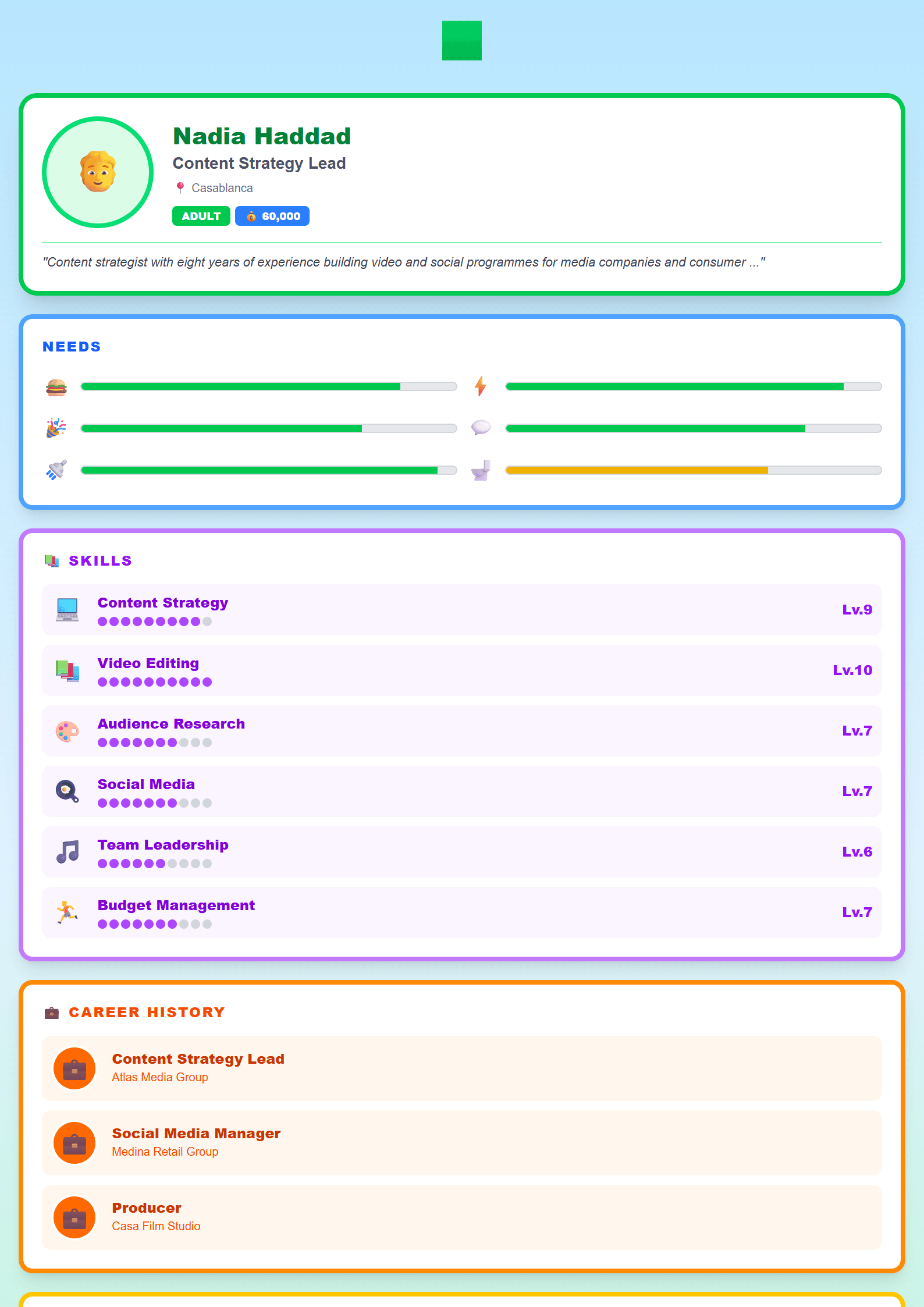
The Sims CV Template: Design Your Dream Career
The Sims CV template turns the playful, life-simulation world of The Sims into a polished resume format. It is built for gamers, streamers, content creators and anyone who wants a CV that feels personal, creative and instantly recognizable. Instead of a generic layout, this template uses the visual language of the game — plumbob-inspired accents, clean panels and friendly typography — while keeping your professional information clear and readable.
You can start from the template page and open it directly in the editor: The Sims CV template.
Who Is This Template For?
This template fits anyone who builds a career around gaming, digital content or community. Typical users include:
- Twitch and YouTube streamers who want a media kit style resume.
- Game testers, QA specialists and community managers.
- Esports players and coaches preparing a sponsor or team application.
- Students and graduates who want a creative first CV that still looks professional.
- Freelance artists, modders and 3D designers in the gaming niche.
If your target role is more traditional, you can keep the same content and switch to a cleaner layout such as the ATS Friendly template or the Minimal template.
How to Use the Sims Template Step by Step
- Open the template in the CV editor and pick your language and page size.
- Fill in the header with your full name, target job title and contact details.
- Write a short professional summary of two or three lines that states who you are and what you offer.
- Add your experience, projects and education in reverse chronological order.
- List hard skills (software, engines, tools) and soft skills (communication, teamwork) separately.
- Add links to your channel, portfolio or GitHub profile.
- Review the layout, adjust spacing and export as PDF.
Before you apply, run the document through the CV Score Checker to catch missing sections, weak verbs and formatting issues.
Practical Tips for a Strong Gaming CV
- Lead with results, not tasks: "Grew channel to 40K subscribers in 14 months" beats "Managed a YouTube channel".
- Quantify everything you can — viewers, revenue, retention, bug reports, downloads.
- Keep the creative design to the header and section dividers; keep the body text plain and readable.
- Use one page for junior roles and two pages maximum for senior positions.
- Save the file as PDF unless the employer explicitly asks for an editable format.
- Match keywords from the job ad so automated systems can read your CV correctly.
If you apply to larger studios or corporate teams, test your file with the ATS Resume Scanner and keep a plain-text version ready.
Make It Truly Yours
The Sims template is a starting point, not a cage. Change the accent colors, replace the plumbob motif with your own logo, and rewrite every sentence in your own voice. A resume that sounds like you is more memorable than one that sounds like a template. When you are ready, export your PDF, write a matching cover letter and start applying with confidence.
Like this template?
Use this template now — Free100% Free
No registration or watermark
Multi-Format Export
PDF, Word, PNG, JPG
ATS Compatible
Templates specifically designed to pass ATS systems and increase your chances.