Knowledge Explorer CV Template – Free & Editable
Build a free CV with the Knowledge Explorer template for students, researchers and lifelong learners. Editable online, ATS-ready, no sign-up needed.
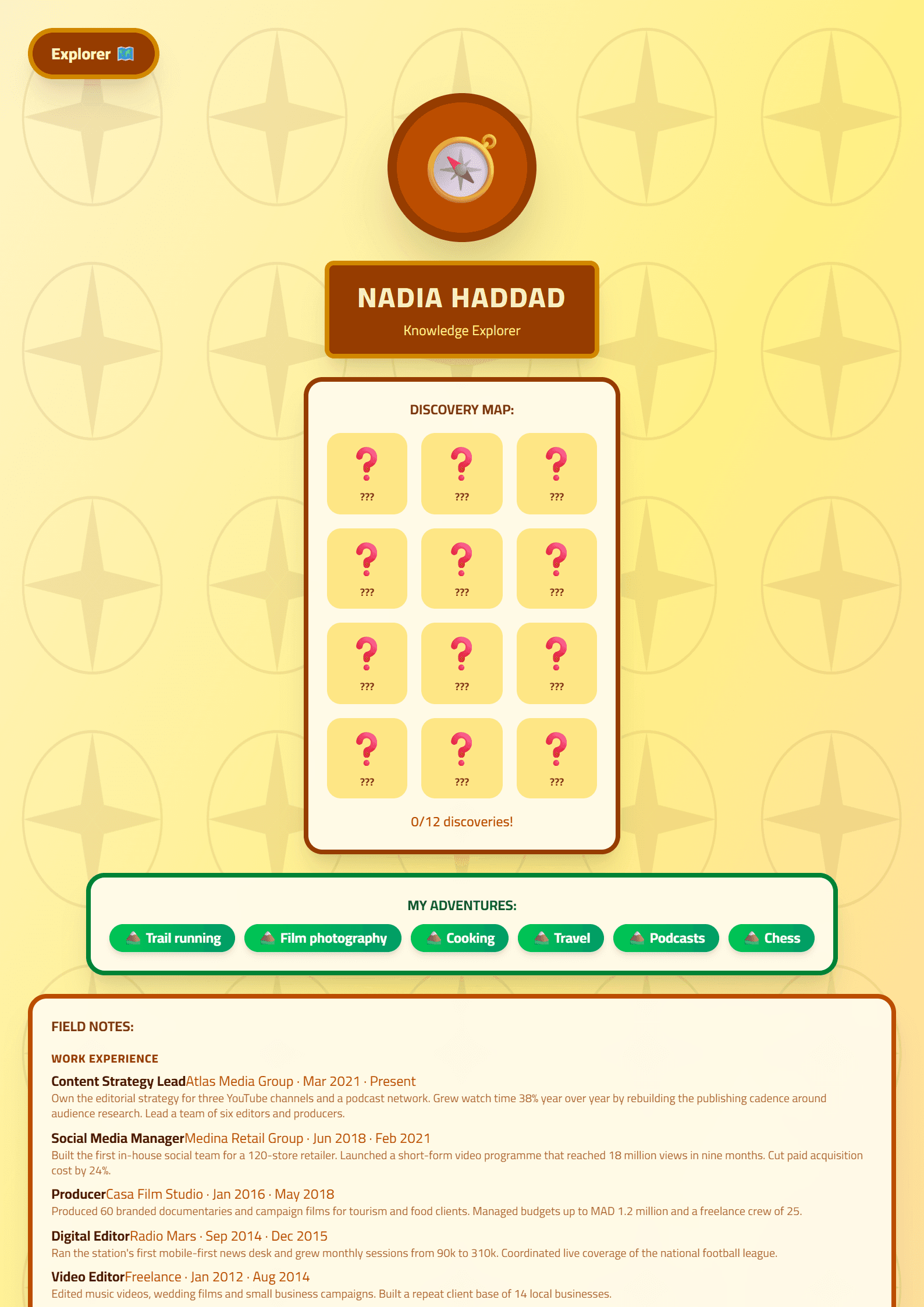
What Is the Knowledge Explorer CV Template?
The Knowledge Explorer is a free online CV template designed for curious minds and lifelong learners. Whether you are a student collecting certificates, a self-taught developer, a researcher moving between fields, or a professional who never stops taking courses, this template gives structure to a learning journey that does not fit a single job title. Instead of forcing your experience into a rigid corporate box, it highlights education, certifications, projects, publications and self-directed study side by side.
Every section is fully editable in the browser through the CV editor, so you can add a new course the same day you finish it.
Who Should Use This Template?
This layout works best for people whose value comes from breadth of knowledge rather than years of tenure in one role. Typical users include:
- Students and recent graduates with internships, volunteering and coursework.
- Career changers who need to show transferable skills from several domains.
- Researchers, lecturers and PhD candidates with publications and conferences.
- Self-taught professionals in tech, design or marketing with portfolio projects.
- Anyone preparing for a scholarship, fellowship or exchange program.
If your background is very corporate and linear, a more traditional layout such as Executive may suit you better. If you are still choosing a field of study, look at Major Explorer instead.
How to Fill In the Knowledge Explorer Step by Step
- Start with a learning-focused headline. Instead of just "Student", write something like "Data Science Learner | 6 completed certifications | Python and SQL".
- Write a summary of three lines. State what you are learning now, what you can already do, and what you want to do next.
- Group your education smartly. Put formal degrees first, then a separate "Continuous Learning" block for MOOCs, bootcamps and workshops.
- Turn courses into proof. For each certificate, add one line describing what you built or solved, not just the course name.
- Add a projects section. Two or three concrete projects beat ten vague course titles.
- List skills by category. Languages, tools, methods and soft skills, each in its own line.
- Check the result with the CV Score Checker before you download.
Practical Tips for Lifelong Learners
- Keep the CV to one page until you have more than five years of real work experience.
- Use dates consistently, for example "2023 – Present" for ongoing study.
- Translate academic language into results recruiters understand: "analyzed 5,000 records" rather than "studied databases".
- Never list a course you cannot discuss for two minutes in an interview.
- Update the file every time you finish a certification; a stale CV is worse than a short one.
- If you are applying in another language, run your draft through the Multi-Language CV Translator to keep terminology consistent.
Make It Pass the Robots and Impress Humans
Curiosity is an asset, but applicant tracking systems still read your file before a person does. Keep section headings standard (Education, Experience, Skills), avoid tables and text boxes, and use keywords taken directly from the job description. If you want a stricter structure, compare this template with ATS Friendly and keep the parts that fit your story.
Finally, remember that the Knowledge Explorer is not a list of everything you have ever studied. It is a curated argument that your curiosity produces results. Choose the ten most relevant items, describe them with numbers, and let the rest of your learning journey come up naturally in the interview.
Like this template?
Use this template now — Free100% Free
No registration or watermark
Multi-Format Export
PDF, Word, PNG, JPG
ATS Compatible
Templates specifically designed to pass ATS systems and increase your chances.