LinkedIn CV Template — Professional Resume Layout
Build a LinkedIn-style CV with a clean, recruiter-friendly layout. Free template, ATS-ready sections, step-by-step tips and instant PDF export.
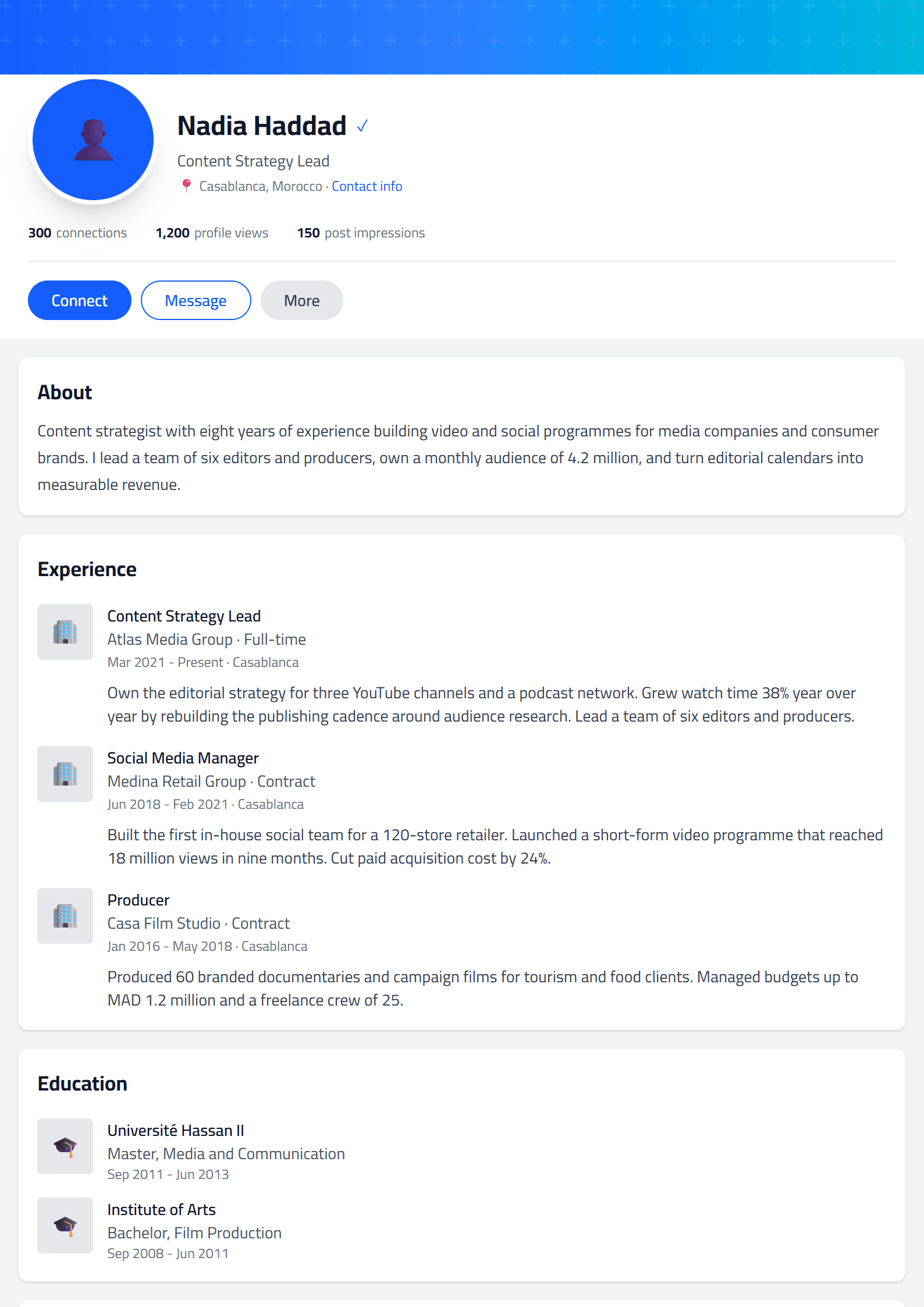
What Is the LinkedIn CV Template?
The LinkedIn CV template on CV Brander is a professional resume layout inspired by the clean, structured look of LinkedIn profiles. It organizes your experience, skills, education and summary into clearly labeled sections that recruiters can scan in seconds. If you already maintain a strong LinkedIn presence, this template helps you carry that same polished identity into a document you can attach to applications, email to hiring managers or upload to job boards.
Unlike decorative designs, this template prioritizes readability and structure. Headings are consistent, spacing is generous, and the visual hierarchy guides the reader from your headline to your most recent role without distraction. That makes it a smart choice for corporate, tech, marketing and consulting roles where clarity signals professionalism.
Who Should Use This Template
This layout works especially well for:
- Active LinkedIn users who want their resume to match their online profile tone.
- Mid-career professionals applying to corporate or enterprise roles.
- Tech and product candidates who need a clean, scannable structure.
- Job seekers targeting ATS systems, since the layout uses standard section headings.
- Freelancers and consultants who want a credible, understated document.
If you are applying to creative agencies or design studios, you may prefer a more expressive option such as the Creative template. For strict applicant tracking systems, pair this layout with the ATS Friendly template.
How to Build Your LinkedIn-Style CV Step by Step
- Start with a strong headline. Mirror your LinkedIn headline — for example, "Senior Data Analyst | SQL, Python, Tableau" — directly under your name.
- Write a focused summary. Three to four lines describing your specialty, years of experience and a measurable achievement.
- List experience in reverse chronological order. Use bullet points starting with action verbs and ending with numbers.
- Add a skills section. Include both technical and soft skills, matching keywords from the job posting.
- Include education and certifications. Keep this concise unless you are an academic candidate.
- Review and export. Use the CV editor to adjust spacing, then download a PDF.
Practical Tips for Better Results
- Keep your resume to one page if you have under ten years of experience.
- Use the same job titles on your CV and LinkedIn profile to avoid confusion during background checks.
- Quantify achievements: "Increased conversion by 18%" beats "Responsible for conversion."
- Run your draft through the CV Score Checker to catch weak phrasing.
- Optimize your online presence with the LinkedIn Profile Optimizer so both documents tell the same story.
Common Mistakes to Avoid
Many candidates copy their entire LinkedIn profile into a resume, including endorsements, recommendations and volunteer posts. That creates a bloated document. Instead, select only the achievements that support the specific role. Another frequent error is using a generic summary that could apply to anyone — tailor it to the job description every time. Finally, avoid inconsistent date formats; pick one style and apply it throughout the document.
Make It Yours
The LinkedIn template is a starting point, not a straitjacket. Adjust section order, rename headings and add a projects or publications section if it strengthens your candidacy. Browse the full templates library to compare layouts, and explore the free CV tools to refine keywords, readability and overall impact before you apply.
Like this template?
Use this template now — Free100% Free
No registration or watermark
Multi-Format Export
PDF, Word, PNG, JPG
ATS Compatible
Templates specifically designed to pass ATS systems and increase your chances.