Pinterest Resume Template — Creative CV Layout
Build a Pinterest-inspired resume with a creative grid, visual sections and clean typography. Free online CV builder, no sign-up, export to PDF in minutes.
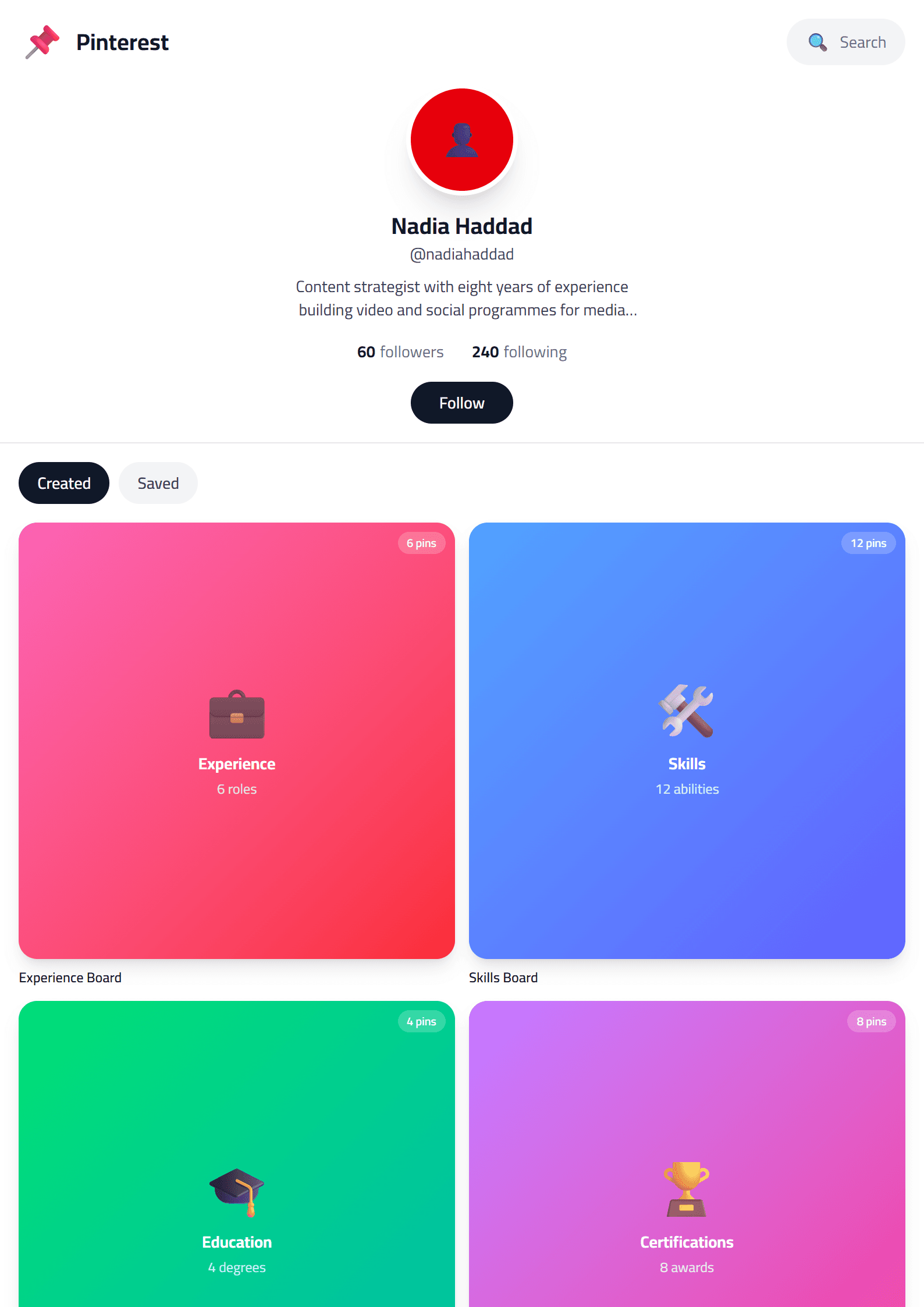
What Is the Pinterest CV Template?
The Pinterest template on CV Brander is a creative, Pinterest-inspired resume layout built around visual hierarchy, soft color blocks, and a clean grid. It borrows the best of the Pinterest aesthetic — mood-board sections, tasteful icons, and a portfolio-style header — and turns it into a professional document that still reads clearly to recruiters and hiring software.
Unlike a plain text resume, this layout gives your profile photo, headline, and skill badges a prominent place, so your personal brand is visible within the first three seconds of scanning. If you want a resume that looks designed rather than typed, this is the template to start with. You can also browse the full templates index to compare alternatives.
Who Should Use This Template?
The Pinterest template works best for people whose work is visual, creative, or audience-facing. It is a strong fit for:
- Graphic designers, illustrators, and UI/UX professionals
- Social media managers and content creators
- Photographers, stylists, and interior designers
- Marketing specialists who manage brand visuals
- Freelancers who need a portfolio-style one-pager
If you are applying to a highly conservative field such as law, banking, or government, consider a more restrained option like the Executive template instead. Creative roles, agencies, startups, and media companies are where this layout shines. Freelancers who pitch clients directly often pair it with the Freelancer template for a second version.
How to Build Your Pinterest Resume Step by Step
- Open the editor. Go to the CV editor and select the Pinterest layout from the template gallery.
- Add your header. Enter your name, target job title, city, email, phone, and portfolio or social link. Keep the headline under eight words.
- Write a short profile. Two to three lines that state what you do, who you do it for, and one measurable result.
- Fill the experience section. Use reverse-chronological order and start every bullet with an action verb followed by a number.
- Add a skills block. List six to ten tools and competencies, prioritizing the ones that appear in the job description.
- Insert a visual section. Use the built-in grid to showcase three to six projects, campaigns, or design samples.
- Check and download. Run the CV Score Checker, fix any warnings, then export as PDF.
Design Tips That Keep It Professional
A Pinterest-inspired layout can quickly become cluttered. Follow these rules to stay on the right side of hiring managers:
- Limit yourself to two fonts. One for headings, one for body text. Never three.
- Use one accent color. Pick a single brand color and repeat it in icons, dividers, and section titles.
- Keep white space. Margins of at least 1.5 cm make the page feel calm and readable.
- Do not overload the grid. Three to six images or project cards is enough for one page.
- Stay legible. Body text should be at least 10.5 pt and dark gray or black, never light pastel.
If your target company uses an applicant tracking system, always upload a plain, machine-readable version as well. The ATS Friendly template is designed exactly for that purpose and can be submitted alongside your visual version.
Common Mistakes to Avoid
Creative resumes fail for predictable reasons. Avoid decorative fonts in the body text, avoid photos that look like casual selfies, and never replace real job titles with invented ones like "Chief Happiness Officer." Also skip skill rating bars — recruiters cannot interpret what 80 percent of Photoshop means. Finally, keep the document to one page if you have under ten years of experience, and two pages maximum otherwise.
Final Thoughts
The Pinterest template gives you a distinctive, scroll-stopping resume without sacrificing structure. Pair it with a targeted cover letter generated through the Cover Letter Generator, and tailor your keywords for every application. A beautiful layout gets attention; tailored content gets the interview.
Like this template?
Use this template now — Free100% Free
No registration or watermark
Multi-Format Export
PDF, Word, PNG, JPG
ATS Compatible
Templates specifically designed to pass ATS systems and increase your chances.