Rising Talent CV Template for High-Potential Beginners
Build a standout resume as a recent graduate or junior professional with the free Rising Talent CV template. Step-by-step tips and ATS-friendly export.
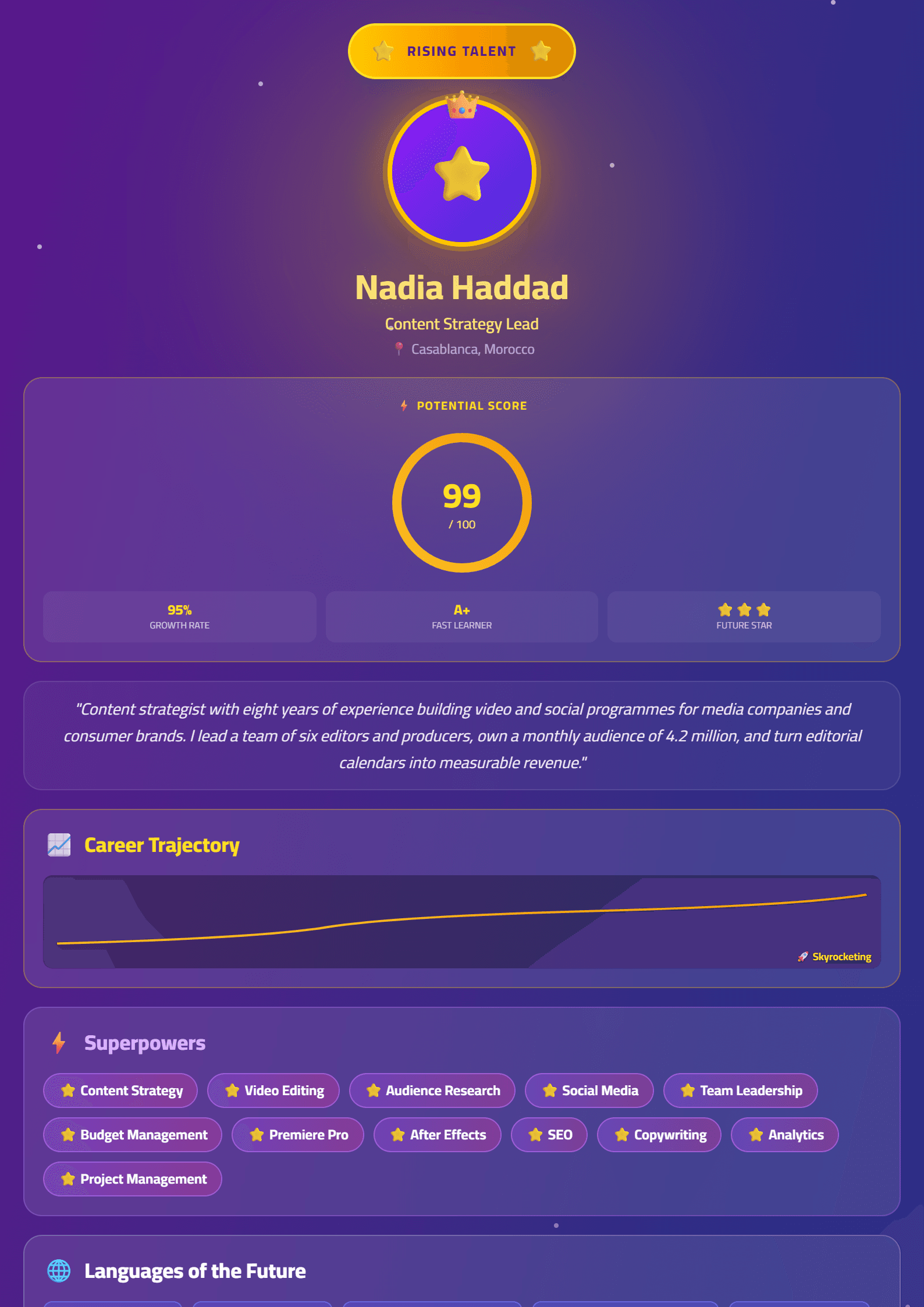
What Is the Rising Talent CV Template?
The Rising Talent template is a resume layout designed for people at the beginning of a promising career: recent graduates, interns, junior specialists and career changers who have more potential than years of experience. Instead of leaving large empty blocks where senior professionals list a decade of achievements, this template reframes your profile around momentum — education, projects, certifications, volunteering and fast-growing skills.
Recruiters who hire early-career candidates look for signals of trajectory rather than a long track record. The Rising Talent layout places those signals above the fold: a sharp headline, a short potential-driven summary, a skills block and a projects section that proves you can already deliver.
Who Should Use This Template
- Students and recent graduates entering the job market for the first time.
- Interns and apprentices converting a placement into a full-time offer.
- Career changers who need to highlight transferable skills rather than job titles.
- Bootcamp and certification graduates with portfolio work but limited formal experience.
- Junior professionals preparing for their first promotion or a move to a larger company.
If you already have five or more years of measurable results, a denser format such as Executive will serve you better. If you need to pass automated screening first, compare this layout with the ATS Friendly template.
How to Fill In the Rising Talent Template Step by Step
- Write a headline, not an objective. Replace "Seeking an entry-level position" with something concrete, like "Junior Data Analyst — Python, SQL, Dashboards".
- Draft a three-line summary. State what you do, one proof point (a project, an internship, a certification) and what you want next.
- Lead with skills, not dates. Group technical and soft skills into two short columns so a recruiter can scan them in seconds.
- Turn coursework into experience. Describe academic projects with the same structure as a job: action, tool, result.
- Add a projects or portfolio section. Link to GitHub, Behance or a personal site, and describe your role in one line per project.
- Keep education detailed but compact. Include your degree, institution, graduation year and relevant coursework only.
- Run a quality check. Use the CV Score Checker before you send anything.
Practical Tips That Make Junior Resumes Stand Out
- Quantify whatever you can. "Automated a report that saved the team four hours a week" beats "helped with reporting".
- Use action verbs. Start every bullet with a verb such as built, analysed, coordinated or launched. The Action Verb Enhancer can suggest stronger alternatives.
- Mirror the job description. Copy the exact tool names and phrases the employer uses — this matters for both humans and software.
- Keep it to one page. Early-career resumes rarely need a second page; cut anything that does not support your target role.
- Proofread out loud. Reading your resume aloud catches awkward phrasing and missing words that silent reading misses.
- Tailor every application. A single generic resume sent fifty times performs worse than five tailored versions.
Common Mistakes to Avoid
The biggest mistake early-career candidates make is apologising for their experience level. Phrases like "I know I don't have much experience, but..." weaken an otherwise strong profile. Your resume should present your projects and skills as real work, because that is what they are.
The second mistake is visual clutter. Decorative fonts, graphics and photos can distract recruiters and confuse applicant tracking systems. If you want a clean, machine-readable version alongside this template, build it with the ATS Tech Pro layout and keep the Rising Talent version for direct emails and networking.
Build Your Resume in Minutes
Open the CV editor, choose the Rising Talent template, and fill in each section with the guidance above. You can export a PDF, adjust colours and spacing, and create a matching cover letter in the same session. When you are ready to apply, keep a copy of every version so you can track which layout gets the most responses.
Like this template?
Use this template now — Free100% Free
No registration or watermark
Multi-Format Export
PDF, Word, PNG, JPG
ATS Compatible
Templates specifically designed to pass ATS systems and increase your chances.