Scientist Resume Template for Research & Lab Jobs
Build a scientist resume that highlights research, publications and lab skills. Free template with ATS-ready structure for academic and industry roles.
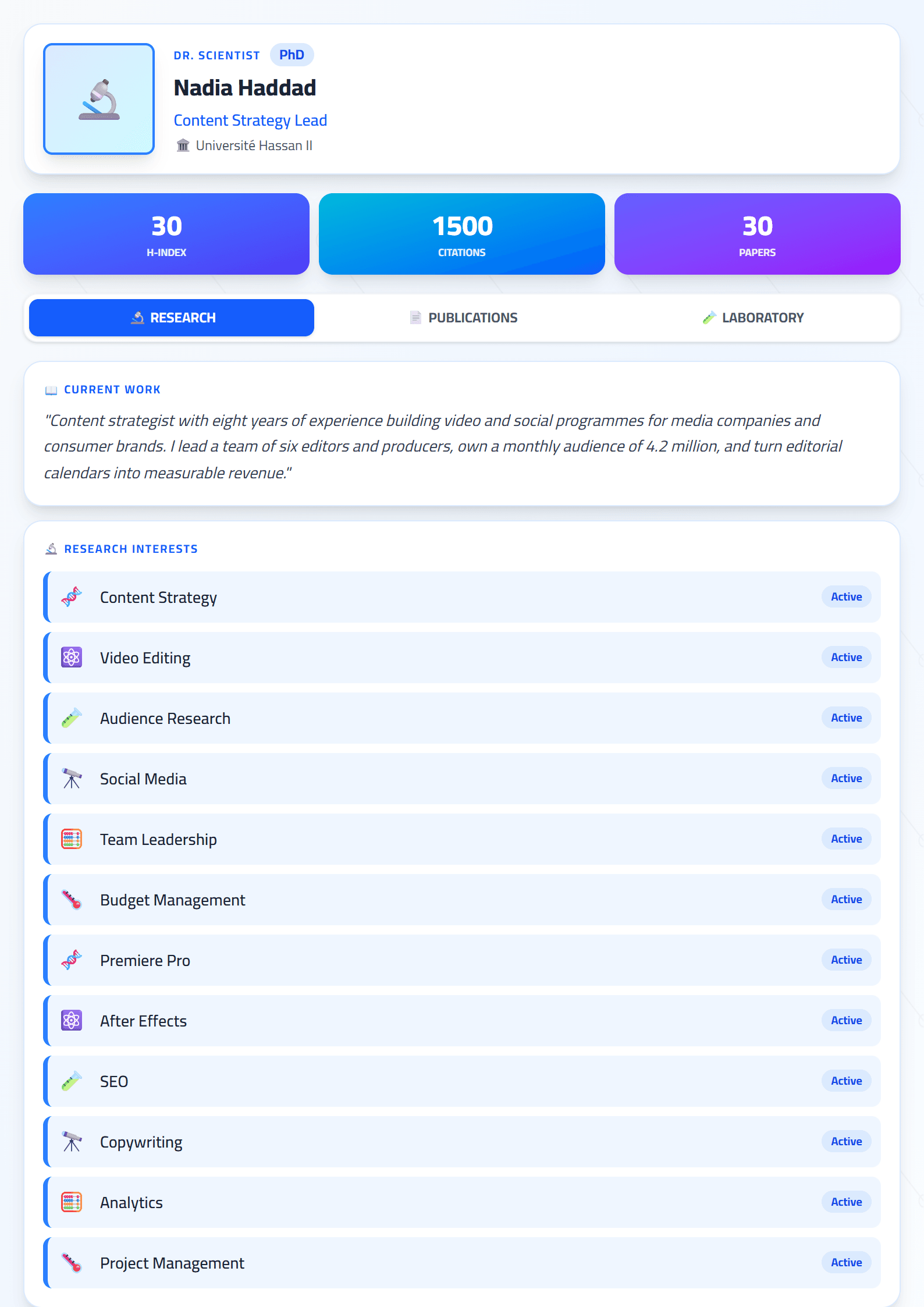
What Is the Scientist Resume Template?
The Scientist template on CV Brander is a purpose-built resume layout for researchers, laboratory specialists, and scientific professionals. Unlike generic designs, it prioritizes the sections hiring committees and principal investigators actually read: research experience, publications, technical skills, and education. It gives your data, methods, and findings a clean, credible structure that signals rigor before a recruiter reads a single sentence.
Whether you work in biology, chemistry, physics, data science, or environmental research, this template helps you present a career that is often long, technical, and publication-heavy in a way that stays readable.
Who Should Use This Template
This template fits a wide range of scientific profiles:
- Academic researchers applying for postdoc positions, grants, or faculty roles.
- Laboratory technicians and scientists in pharmaceutical, biotech, or chemical companies.
- Data and computational scientists who need to show methods and tools clearly.
- Recent graduates with thesis work, internships, or lab projects instead of long job history.
- Industry R&D professionals translating academic achievements into business impact.
If you are still early in your career, pair this template with the Graduate Ready layout to emphasize education and projects. If your goal is a faculty or research institute position, the Academic template may be an even stronger fit for a full publication list.
How to Build Your Scientist Resume Step by Step
- Start with a strong summary. Write three lines covering your field, years of experience, key methods, and one measurable result. Example: "Molecular biologist with 6 years in oncology research; optimized PCR workflows that cut assay time by 30%."
- List research experience first. For each role, include the institution, dates, research focus, methods used, and outcomes. Use numbers wherever possible: sample sizes, funding amounts, or publication counts.
- Add a dedicated skills section. Group technical skills (lab techniques, instruments, programming languages, statistical tools) separately from soft skills so both humans and ATS software can scan them.
- Include publications and presentations. Cite them consistently, using a simple format. For industry roles, keep the list short and highlight only the most relevant papers or patents.
- Close with education and certifications. Add degrees, thesis titles, and any relevant training such as GLP, GMP, or safety certifications.
Once your draft is ready, run it through the CV Score Checker to catch formatting and completeness issues before you apply.
Practical Tips for Scientific Resumes
- Translate jargon for non-specialists. A recruiter in HR may not know your acronyms. Add a short plain-language phrase after technical terms.
- Quantify everything. "Managed a lab" is weak; "Managed a 5-person lab with a $400K annual budget" is strong.
- Keep it ATS-friendly. Use standard section headings and avoid tables or graphics that scanners cannot read. The ATS Friendly template is a safe companion if you apply through large job portals.
- Tailor per application. Mirror the keywords in the job description, especially method names and instrument types.
- Stay consistent. Use the same date format, tense, and citation style throughout the document.
Common Mistakes to Avoid
Many scientists treat a resume like a mini CV and include every publication, poster, and course they have ever completed. That approach buries your strongest achievements. Keep the resume focused and save the full academic record for a separate document. Another frequent error is listing duties instead of results — describe what changed because of your work, not just what you were assigned. Finally, avoid dense paragraphs; recruiters skim, so use short bullets and clear headings.
Final Step: Format, Export, and Apply
After filling in your content, open the CV editor to adjust spacing, fonts, and section order. Export as PDF for applications and keep an editable copy for future updates. If you also need a matching cover letter, the Cover Letter Generator can help you produce one quickly and consistently.
Like this template?
Use this template now — Free100% Free
No registration or watermark
Multi-Format Export
PDF, Word, PNG, JPG
ATS Compatible
Templates specifically designed to pass ATS systems and increase your chances.